
MULTI-STORE SYSTEM / Store Brand Management

Store brand management system

A management system that makes requests and work reports from each store easier for head office to review. It organizes store lists, brands, business types, areas, request details, estimates, photos, service status, completion reports, and history.

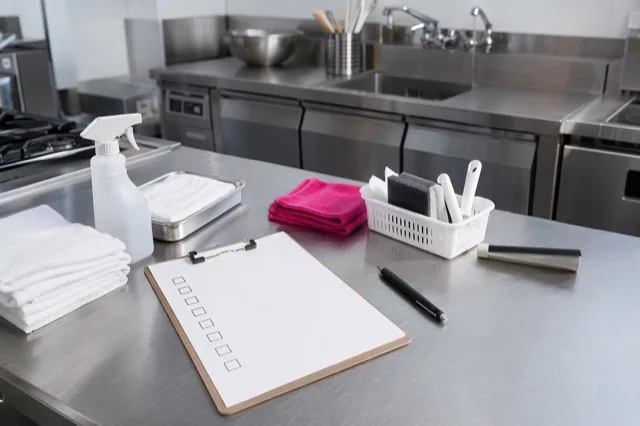
Concept image for organizing request information across multiple stores
MISESAPO / 01
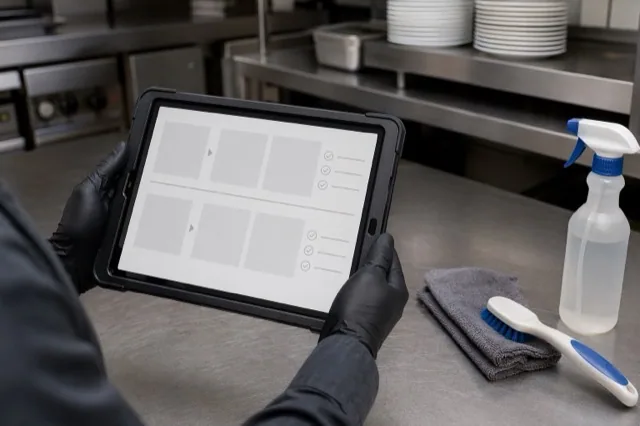
Illustration of reviewing a cleaning work report
MISESAPO / 02
Example of reviewing a report illustrated with work photos
MISESAPO / 03

Link store information to requests

Organize information such as brand, business format, and area in a store list, then review each store's cleaning, facility, and repair requests, photos, preferred timing, and service status. The scope and actual items covered will be discussed according to the contract and operational arrangements.

  • Store, brand, business type, and area
  • Request details, photos, and preferred timing
  • Estimates & Service Status
Concept image for organizing request information across multiple stores
01 / STORE DATA / 01

Review work reports and service history

We record post-work photos, work performed, completion reports, outstanding issues, and items to check next time so they can be reviewed as each store's service history. The photos and report details vary depending on the work.

  • Before-and-after photos and work performed
  • Completion status and outstanding issues
  • Recommendations for the Next Visit and Store-by-Store History
Illustration of reviewing a cleaning work report
02 / REPORT & HISTORY / 02

Connecting Head Office and Store Checks

Head office can review service statuses and past records to help determine the work and communications needed. Our goal is to reduce the burden of having to repeatedly ask for information about each store.

  • Conditions by store, brand, and area
  • Records of requests, estimates, work, and billing
  • Discuss using existing internal tools and application procedures alongside our services
Example of reviewing a report illustrated with work photos
03 / HEAD OFFICE / 03

The scope of services depends on your needs.

We will explain the system’s terms of use, available fields for registration, delivery method, and fees individually based on the information in our current official guidance. Please ask us when you consult with us to confirm specifications that cannot be verified from public information, such as whether the system can be contracted on its own or integrated with other companies’ systems.

  • Stores and users covered
  • Information to manage and reporting methods
  • How this works with existing tools and approval workflows
Concept image for organizing request information across multiple stores
04 / SCOPE / 04

FAQ / Frequently Asked Questions

Frequently Asked Questions

View all questions
What information can be managed for each location?

You can organize store information, brands, business types, areas, requests, estimates, photos, response status, completion reports, and history. We will explain which fields are used based on your needs.

Can we continue using our existing chat and internal systems?

We will ask about the chat tools, spreadsheets, internal systems, and approval workflows you currently use, then advise on how they might be used alongside one another or divided by role. Whether integration features are available must be confirmed on a case-by-case basis.

Do all stores need to be registered at once?

You can discuss which stores to include and the scope of the initial rollout. We’ll ask about the number of stores, business type, region, and requested services, then explain the scope we can manage.

Can I use the system on its own?

The terms and delivery method for using the system on its own cannot be confirmed from public information alone. We will ask how you would like to use it and explain whether we can accommodate your needs and the contract terms.

NEXT / MISESAPO

Cleaning and facilities inquiries

Ask us about cleaning and facilities